Speak the Web
Web articles read aloud.

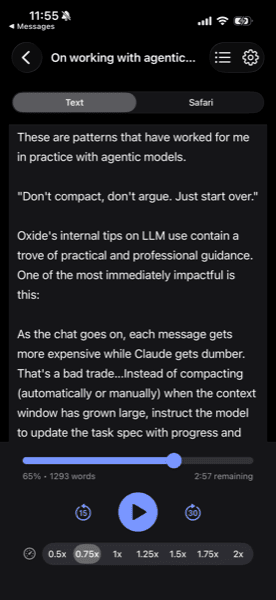
Web articles read aloud.
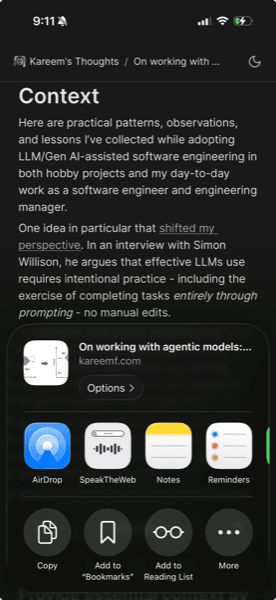
No copy-paste required. From Safari, just tap Share and select the app.
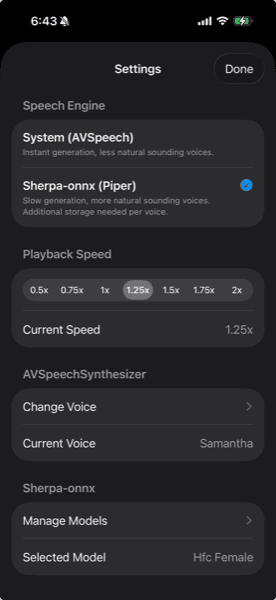
Choose from Apple's built-in voices or download high-quality, offline, on-device voice models.
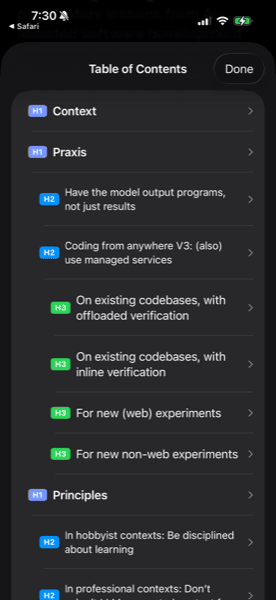
Navigate articles by section. Tap headings to jump directly to that part of the content.
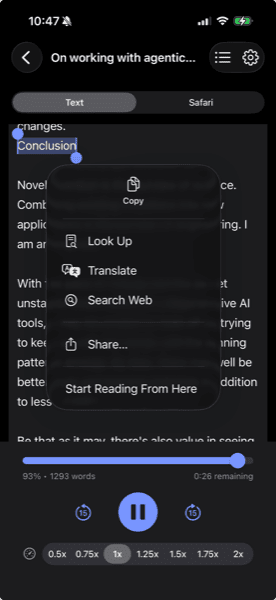
Select text in Text mode and use "Start Reading From Anywhere" to jump to any point in an article. Especially useful when articles do not have semantic headers for a table of contents.
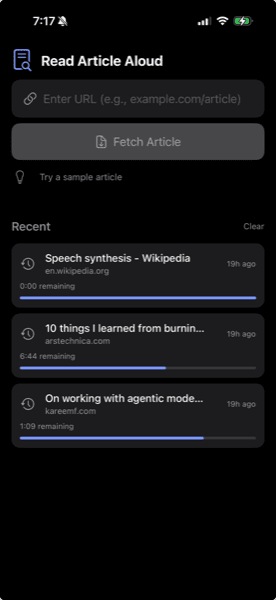
Your reading history with progress tracking. Resume where you left off. Text and generated speech are cached for offline listening
Skip forward/back, adjust speed from 0.5x to 2x, and seek to any part of the article.
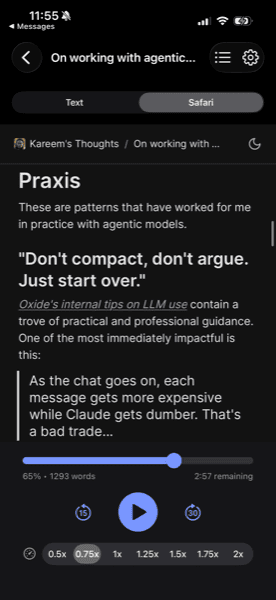
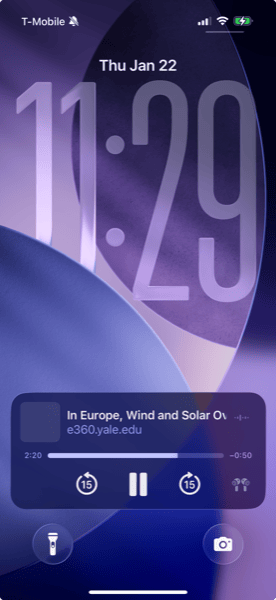
Keep listening after you switch apps or lock your phone. Works with Lock Screen controls.
No telemetry, no ads, no tracking. Processing happens on-device
Download Speak the Web and turn your reading list into a listening list.